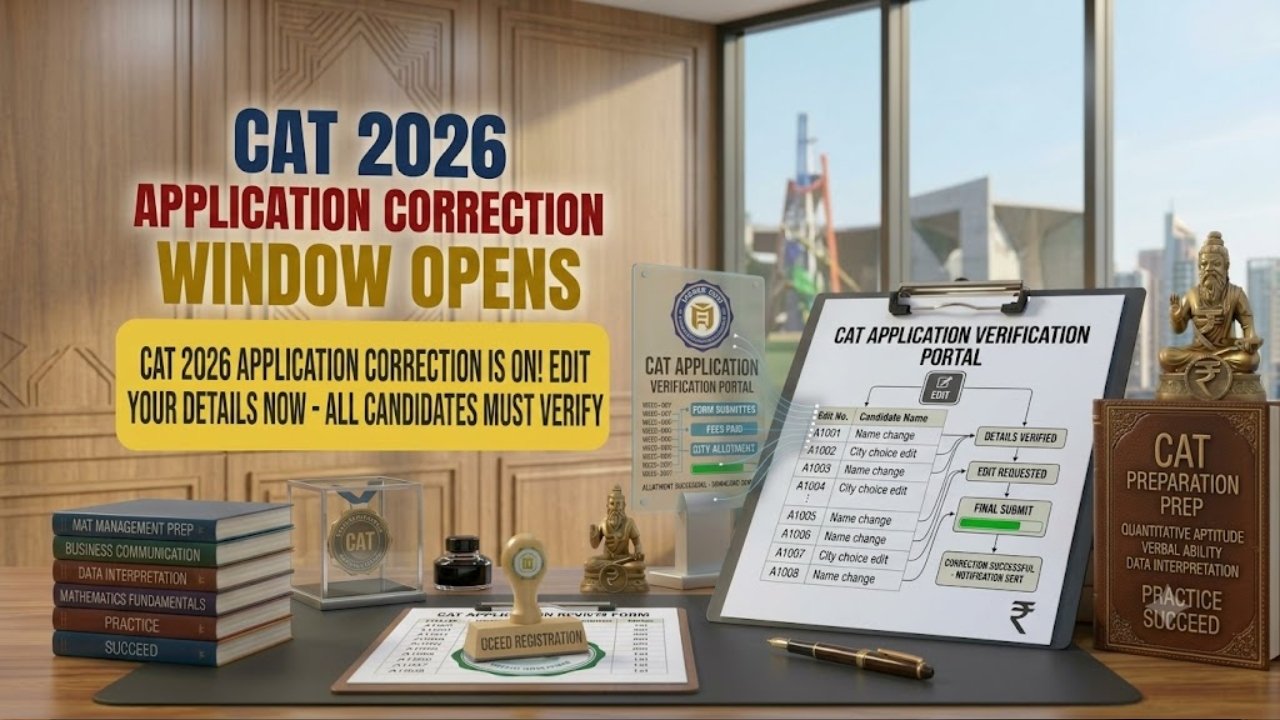
Indian Institutes of Management (IIM) Has Officially Activated The Online Application Form Correction Window For The Common Admission Test (CAT 2026). Candidates Who Successfully Submitted Their Online Registration Forms And Paid The Prescribed Fees Can Now Log In To The Official Portal iimcat.ac.in To Review And Modify Specific Details In Their Application. This One-Time Edit Facility Permits Candidates To Update Their Scanned Photograph, Signature, And Order Of Preferred Test City Centres. For Complete Details Regarding Editable Fields, Login Instructions, Correction Deadlines, And Direct Links, Read The Full Post Given Below.
Common Admission Test (CAT 2026) Application Edit / Correction Facility
www.sarkariresultnw.com
| Important Dates: Correction | n Window Summary |
|---|---|
|
Strict Rule : This is a one-time opportunity; no changes will be entertained after the correction window closes. |
| Fields Allowed for Editing/Fields | s NOT Allowed For Editing |
|---|---|
|
|
• If a candidate made an error in non-editable personal details, they must reach out directly to the official CAT helpdesk immediately.
- Passport Size Photo : Dimensions must be 30 mm × 45 mm in JPG/JPEG format, file size up to 1200 KB. Background must be plain white or light-coloured, showing clear facial features without caps or dark glasses.
- Candidate Signature: Dimensions must be 80 mm × 35 mm in JPG/JPEG format, file size up to 80 KB. Must be signed clearly on white paper using black or blue ink.
- Ensure images are sharp and readable, as poor-quality uploads may result in rejection at the test centre.
- All candidates must read the official notification of eligibility details before applying.
- First of all, visit the official CAT 2026 website iimcat.ac.in or click on the link given below in the Important Link Section.
- Click on the “Registered Candidate Login” link on the homepage.
- Enter your User ID and Password to access your dashboard.
- Click on the “Application Form” tab and choose the correction section.
- Update your preferred test city order or re-upload your photograph and signature if needed.
- Preview the modified application form to ensure all changes are accurate.
- Click on the Submit button to save your changes.
- Download and print the revised CAT 2026 Confirmation Page for your records.
| Important Links | Link |
|---|---|
| CAT 2026 Application Correction (Candidate Login) | Click Here |
| Download Official Correction Window Notice (PDF) | Click Here |
| Download CAT 2026 Information Bulletin (PDF) | Click Here |
| Official Website (IIM CAT Portal) | Click Here |
| Homepage | Click Here |
| Join WhatsApp Channel | Click Here |
| Join Telegram Channel | Click Here |